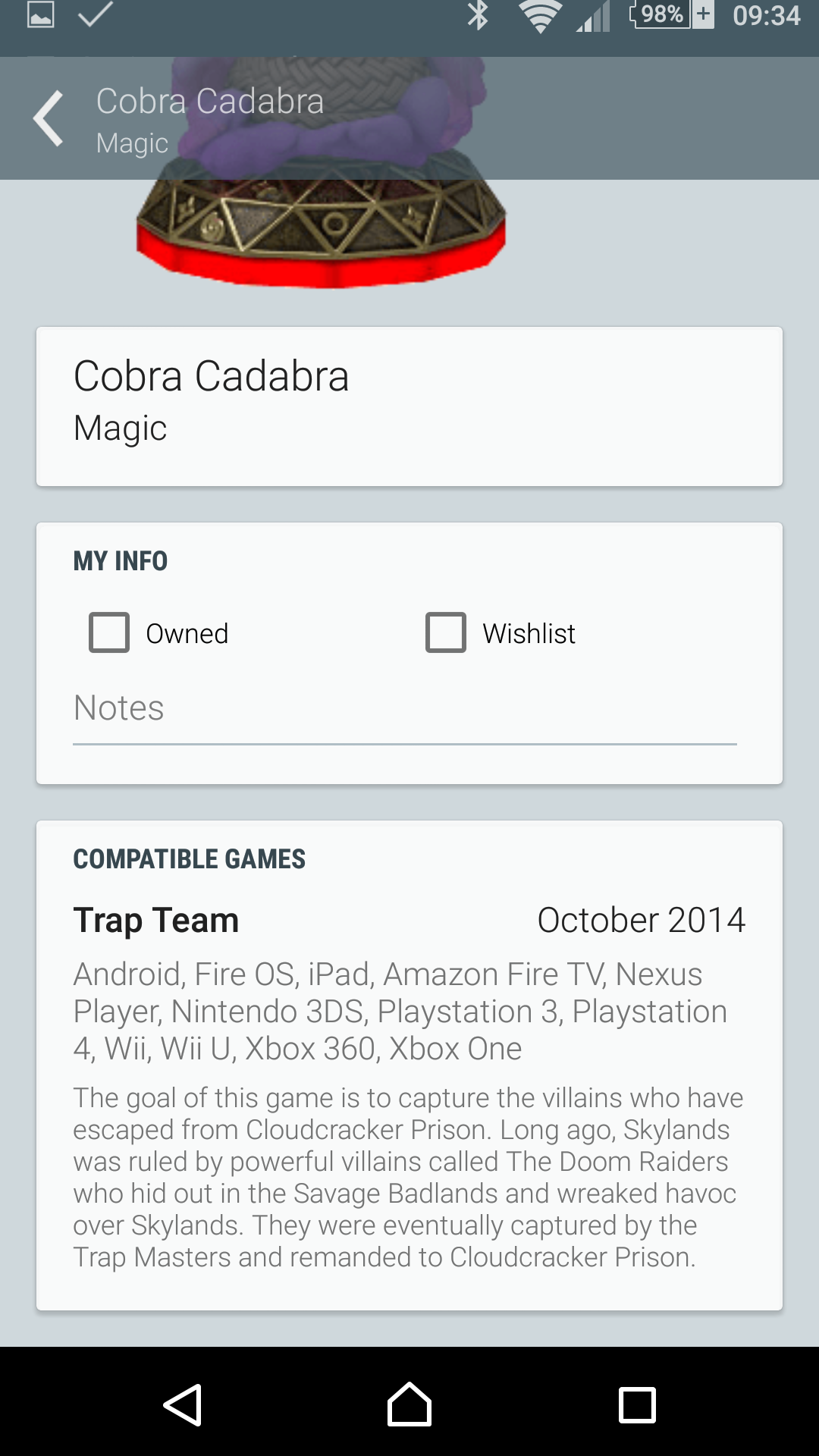
As of version 3.0 My Game Collection allows you to track your Skylanders collection. It contains all figures over all 4 games, together with extra data that allows you to choose wisely 🙂
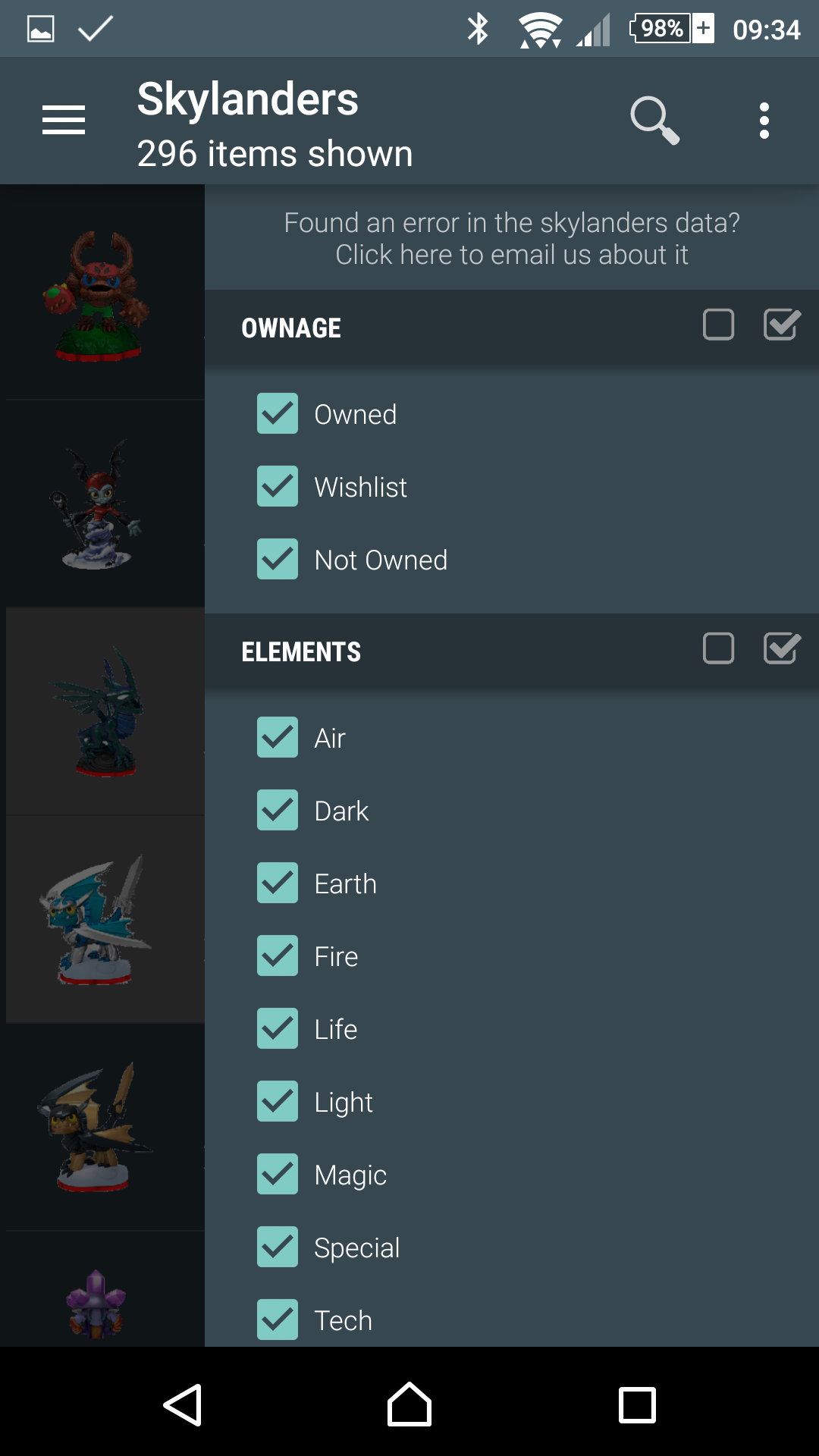
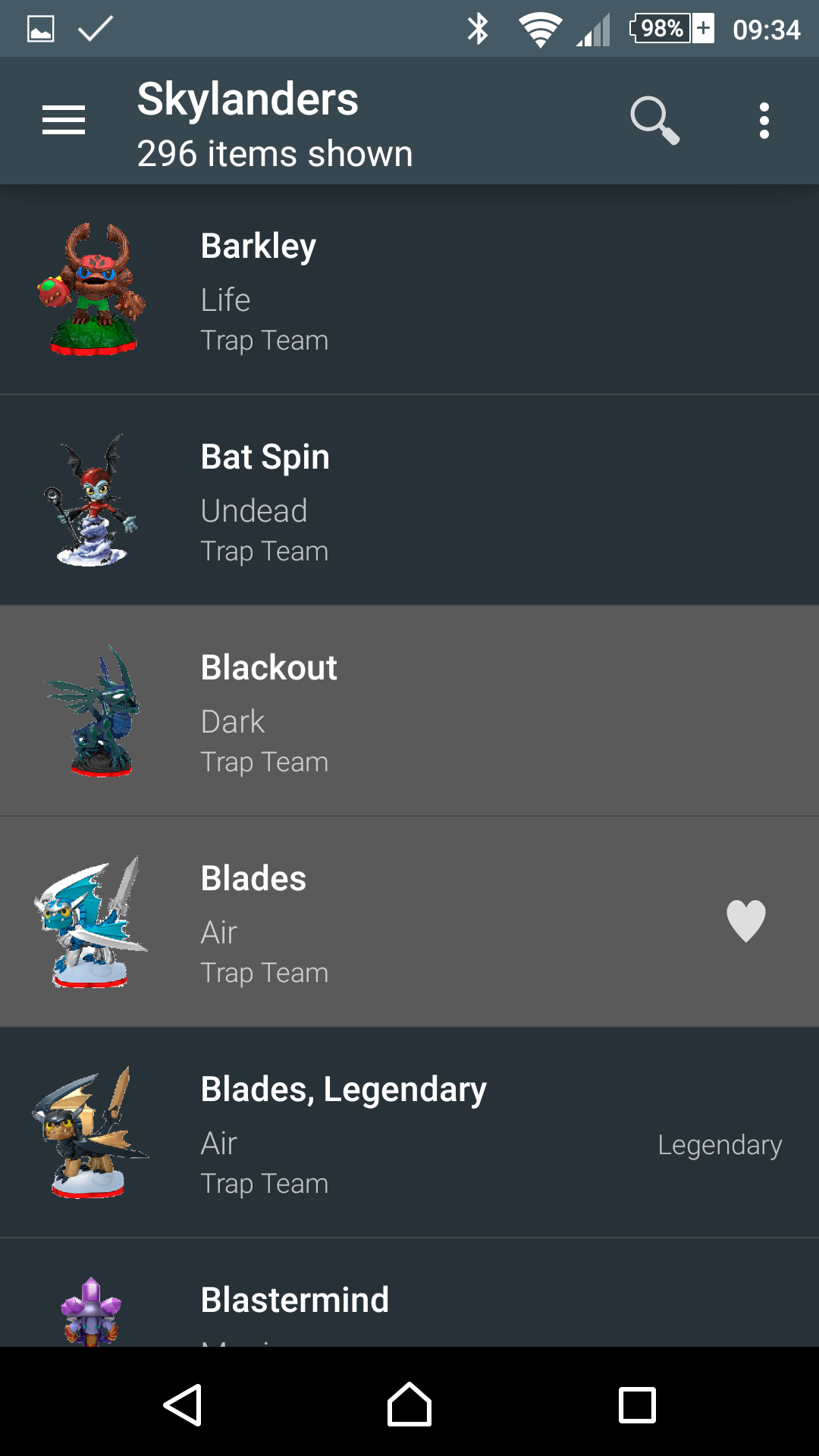
You can view the Skylanders part in light or dark mode, as is with all lists in My Game Collection you can view.
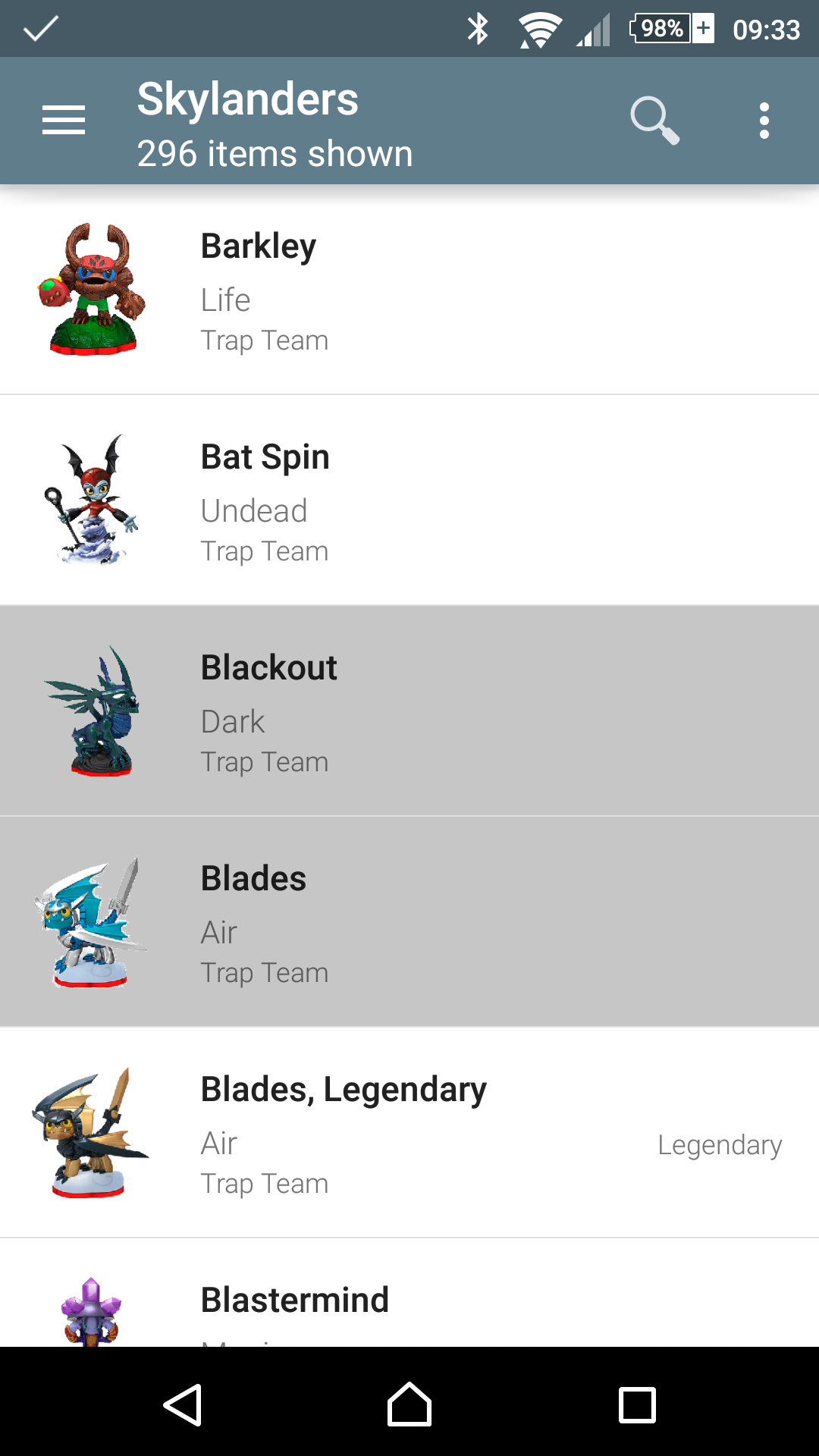
When you don’t own a certain Skylander it will be shown in the list with a grayed out background.
When a Skylander is on you wishlist it will be shown with a heart icon next to it.
Clicking the search icon allows you to search on the Skylanders name.
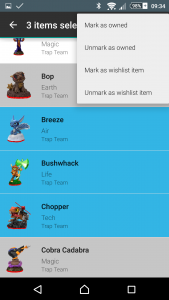
Long pressing a row or clicking the image starts selection mode. This allows you to batch mark Skylanders as (not) owned or put them on your wishlist.
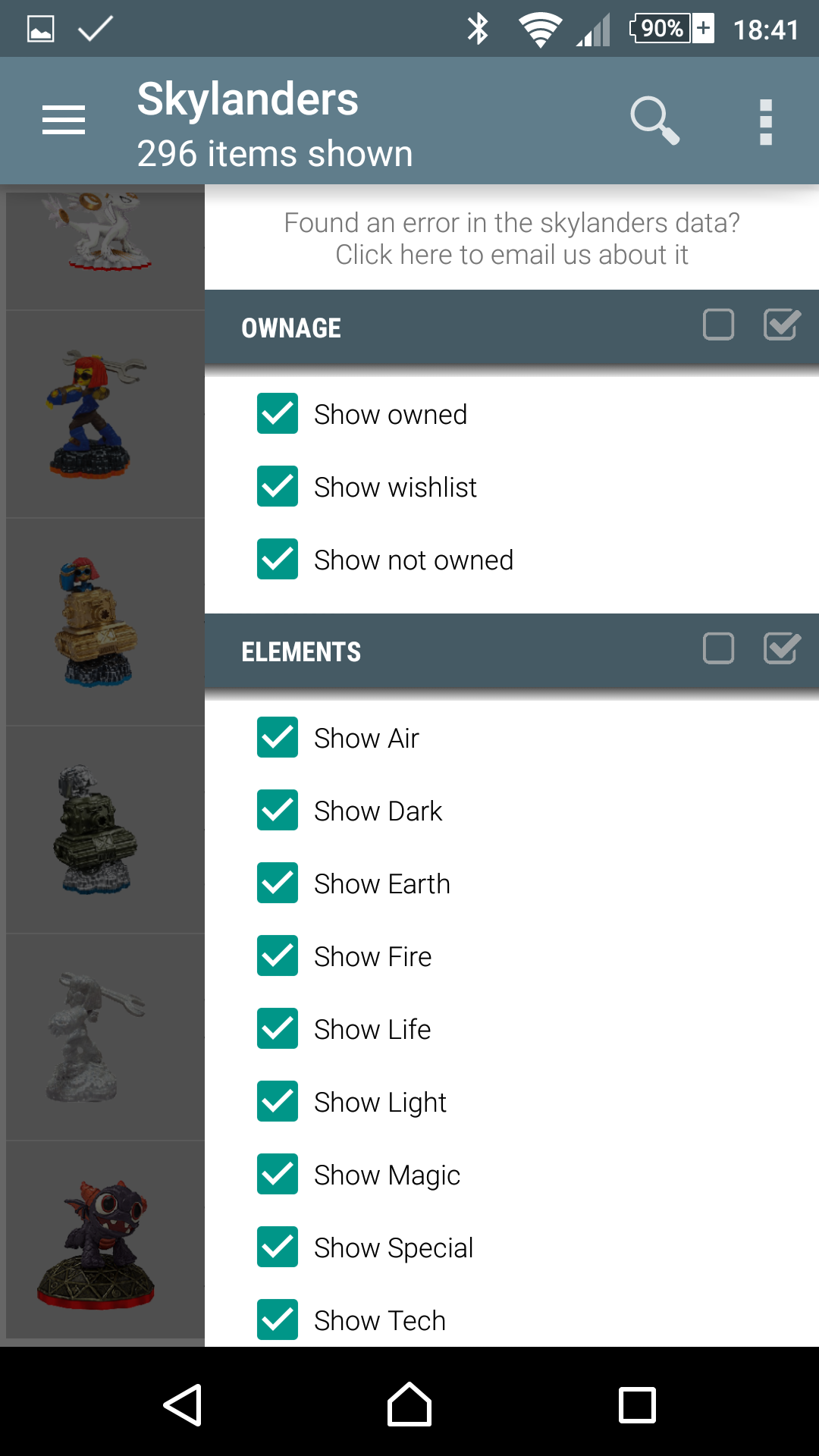
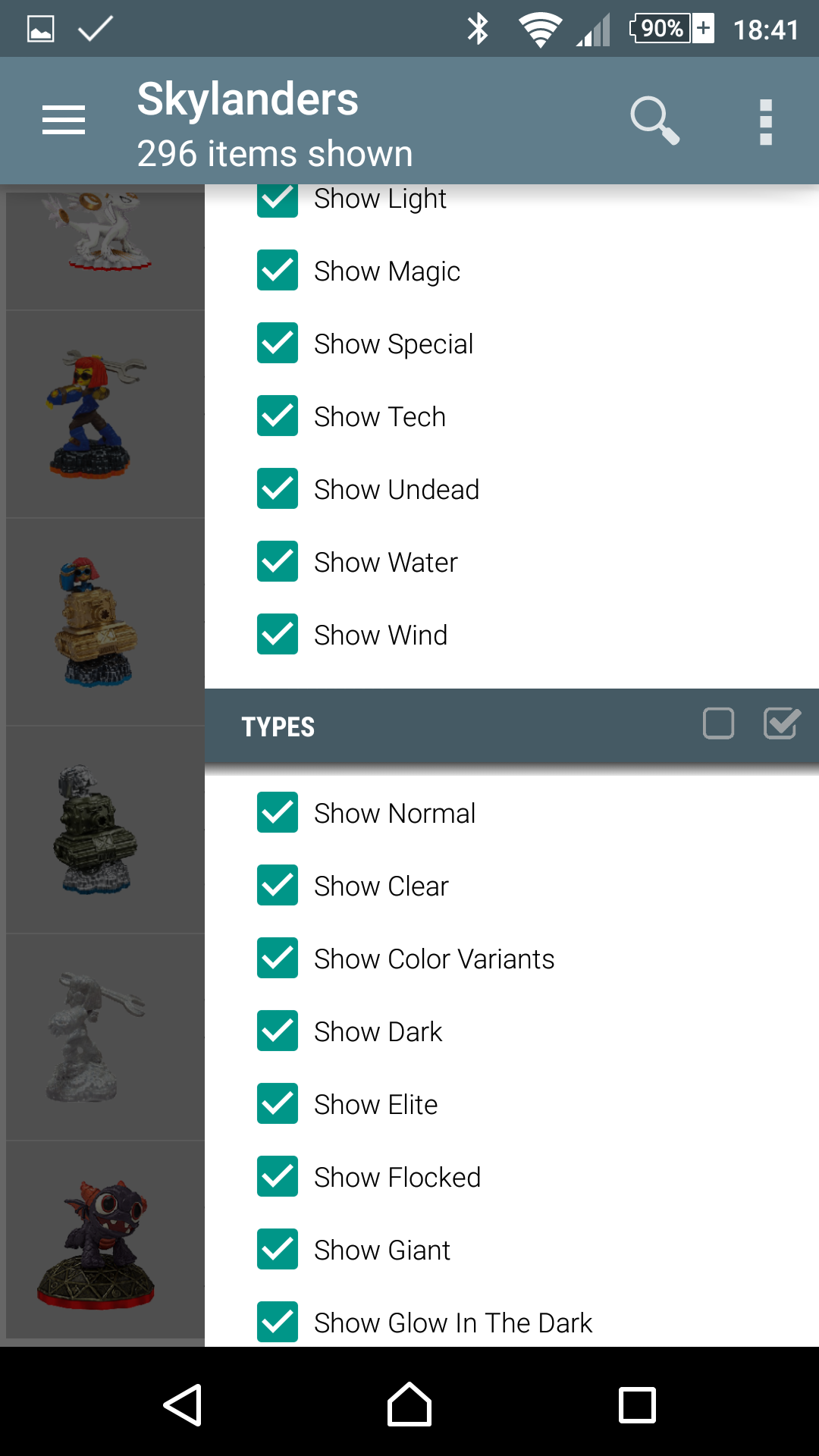
When not in selection mode you can open the filter options by clicking the 3-dot menu or swiping from the right.
My Game Collection allows you to filter the Skylanders list, search it and sort it by a number of means.
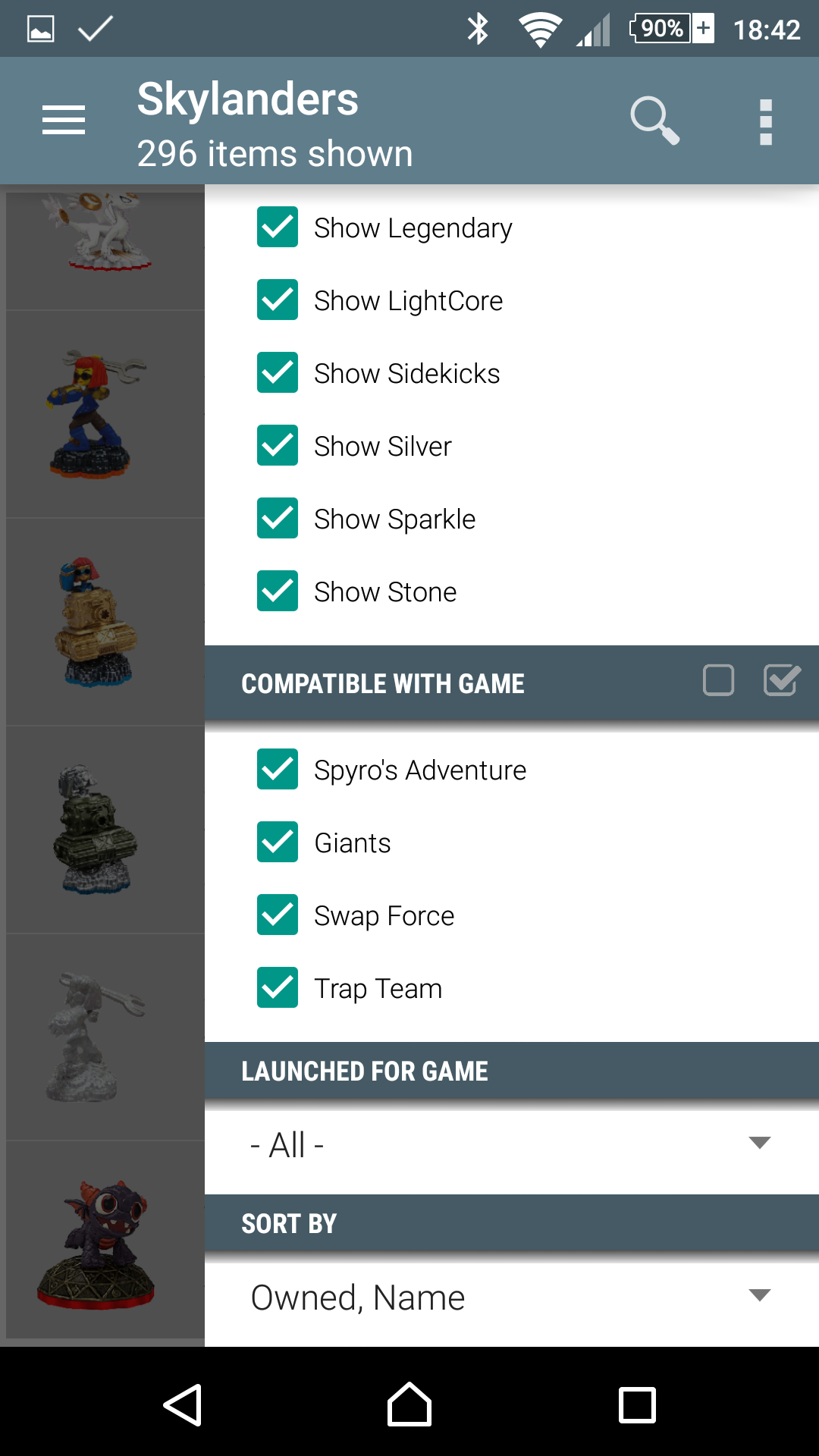
You can filter on the following:
- Ownage state: Owned, Wishlist, Not Owned
- Elements: All elements in the game
- Types: Regular, Color Variants, Material Variants, Elite, etc
- Compatible With Game: Show all Skylanders that work on the selected games
- Launched For Game: Show all that were launched for a specific game (f.e. show me all Skylanders launched for Trap Team)
You can sort the list using the following options:
- Name
- Element, Name
- Owned, Name
- Game, Name
- Owned, Element, Name
Find some more screenshots below.